Never lose a Word document again - Banks Technology Services
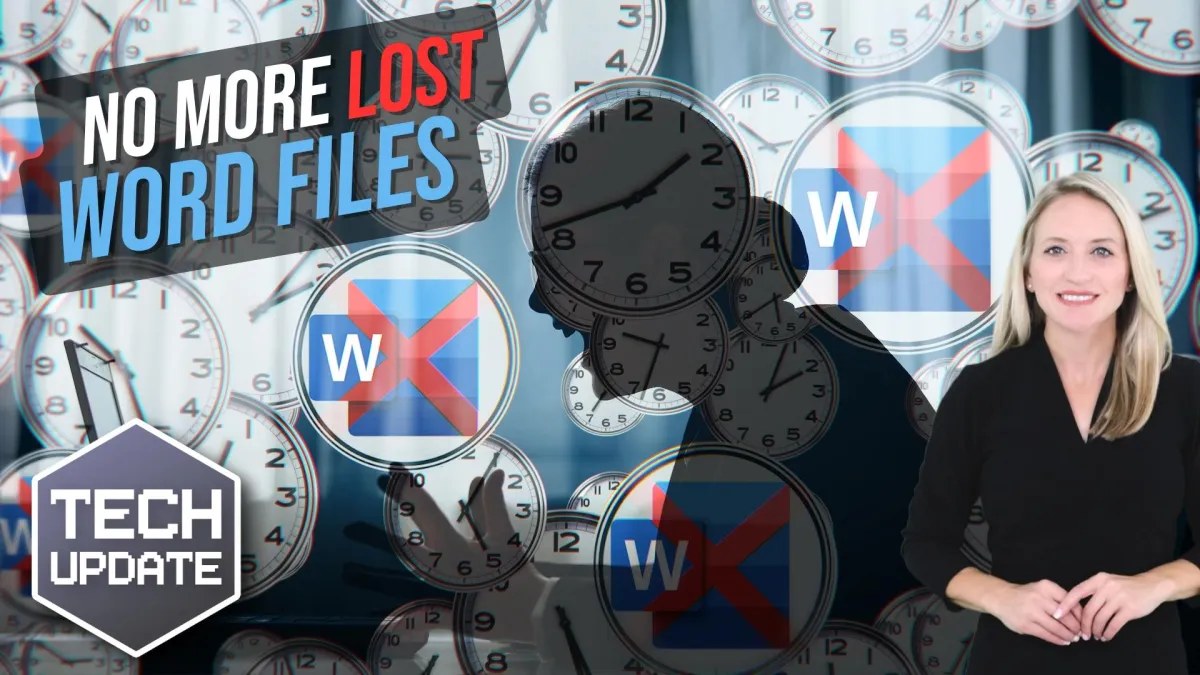
Be honest, how many times have you lost a Word document because you forgot to hit “Save”?
We’ve all been there.
The power cuts out, your laptop crashes, or you just close the window too fast… and hours of work vanish in an instant.
Well, Microsoft’s decided that enough is enough. From now on, new Word documents will automatically save straight to your OneDrive cloud storage. Autosave will be turned on by default.
That means your work is backed up instantly. And you can pick up where you left off from any device.
Accidentally close the file? No problem, it’s sitting safely in the cloud.
For anyone who’s ever lost an important report, proposal, or invoice, that sounds like a dream come true. Right?
But not everyone’s cheering just yet.
Some people aren’t comfortable with every new document automatically being uploaded to the cloud. They’d rather decide for themselves where a file should live. Especially if it contains sensitive information.
There’s also the question of privacy.
While Microsoft says your files are secure and only accessible to you, some people simply prefer keeping their work stored locally, where they feel more in control.
In fairness, Microsoft isn’t locking you in. You can turn this feature off and go back to saving files manually if you prefer.
But for many, this change could slip by unnoticed. Word will just quietly back everything up for you without asking.
It’s a big shift, and it says a lot about where Microsoft’s heading. The company wants to make OneDrive the central hub for your files, and with new Copilot AI features coming to it, that makes sense.
Soon you’ll be able to ask Copilot to find, summarize, or even edit your documents directly from OneDrive. There will be no need to dig through folders or filenames.
So, is this update a terrible idea or a great one?
It depends on how you like to work.
If you value simplicity, peace of mind, and automatic backups, it’s a fantastic move. But if you prefer a little more control and privacy, it might feel like Word’s making decisions for you.
Either way, one thing’s certain: The days of losing your unsaved masterpiece are numbered.